# Post & schedule from the terminal with the DunSocial CLI
> Learn how to schedule and publish social posts from the terminal, local coding agents and CI with the DunSocial CLI, including setup and examples.
- Published: 2026-07-28
- Last updated: 2026-07-28
- Author: Ritheesh BS
- Topics: cli, how-to
---
The DunSocial CLI (`dun`) turns the app into commands you can run in a terminal. Same workspace as the dashboard. Useful on a laptop, in a coding agent, or in GitHub Actions when you do not want to open a browser.
Chat in Claude or ChatGPT → [MCP](/blog/schedule-social-posts-from-claude-and-chatgpt). Custom product or webhooks → [API](/blog/schedule-posts-with-the-dunsocial-api). Shell & CI → CLI.
## A concrete picture
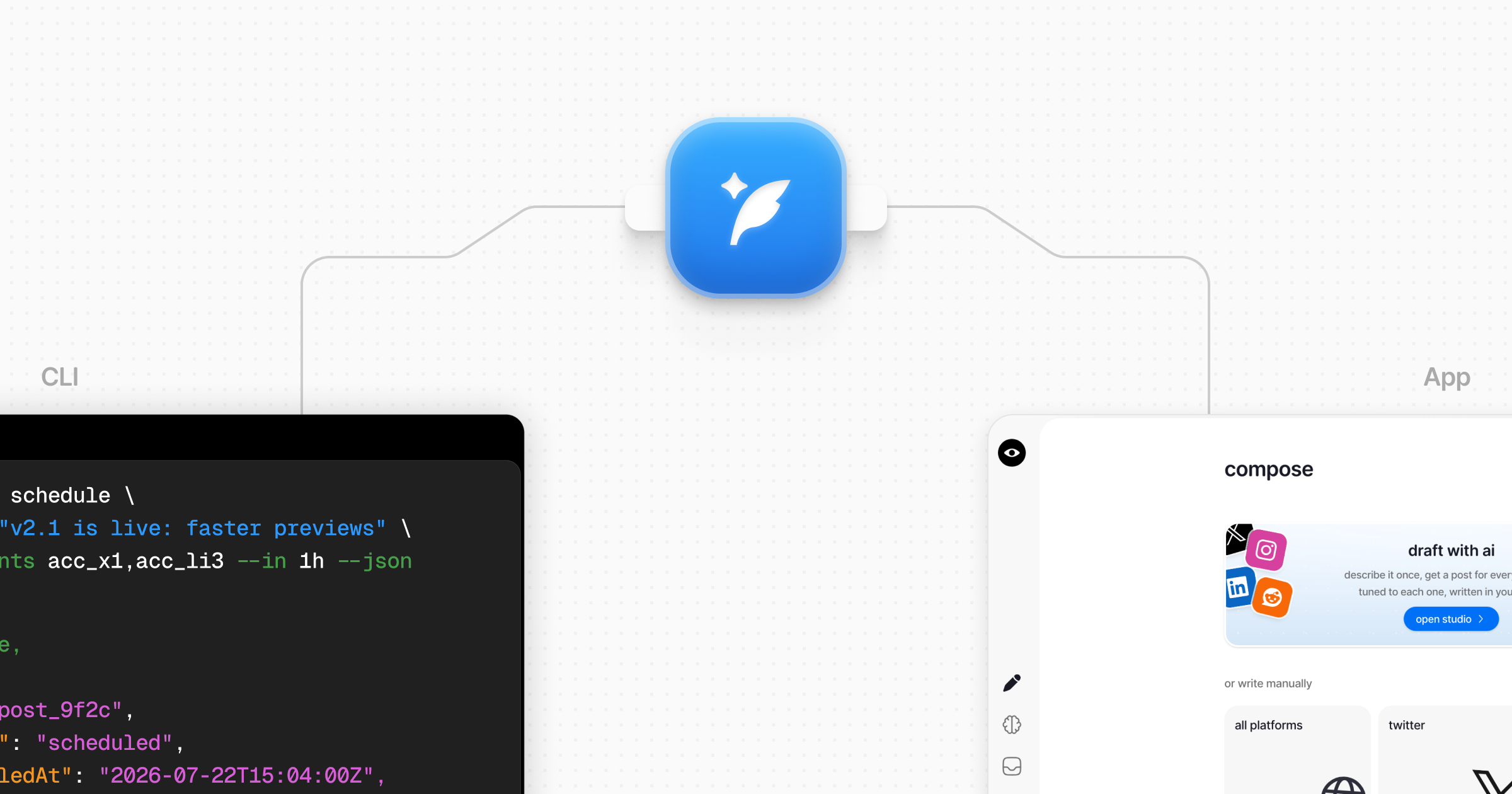
You just merged a release. From the project folder:
1. You are already signed in on this machine (`dun auth login` once).
2. You list accounts & copy the X account id (not the @handle).
3. You schedule: “Shipped v1.2” in an hour.
4. The post appears in DunSocial with a CLI source badge. You can still edit or cancel it in the app before it goes live.
Same idea in CI: a token in secrets, one command in the workflow, announce the tag without anyone babysitting the composer.
## Getting set up
On a remote SSH box, `dun auth login --no-browser` prints a link to open locally.
For automation, skip device login. Create a token under Settings → CLI, export `DUN_TOKEN` & `DUN_WORKSPACE_ID`, & the same commands work headlessly.
## Everyday examples
Exact flags & edge cases live in the [schedule docs](https://www.dunsocial.com/docs/cli/posts/schedule-and-publish).
## Why CI likes it
`--json` prints a stable success or error object. Exit codes mean something (auth failed vs validation vs rate limit), so a workflow can fail for the right reason. Posts from the CLI are tagged in the UI, so you can audit what automation created.
Local agents can learn the surface with `dun skill install cursor` (or `all`): short instructions so they use real account ids instead of inventing API calls.
## When this is the right tool
Use the CLI if you already live in a shell, ship from Actions, or want a coding agent on your machine to schedule without leaving the editor. If the operator is a web chat assistant, MCP fits better. If you are embedding DunSocial inside another product, use the API.
Start here: [CLI overview](https://www.dunsocial.com/docs/cli) · [Install & sign in](https://www.dunsocial.com/docs/cli/getting-started/install-and-sign-in) · [npm package](https://www.npmjs.com/package/dunsocial).
---
## About this document
This is the Markdown representation of https://www.dunsocial.com/blog/post-and-schedule-from-the-terminal-with-the-dunsocial-cli. The HTML version of the same page is at the same URL. You can also request Markdown from any page by sending `Accept: text/markdown`.
Machine-readable summary of the whole site: https://www.dunsocial.com/llms.txt
## Company
- Product: DunSocial, https://www.dunsocial.com
- Legal entity: THISUX PRIVATE LIMITED, Chennai, Tamil Nadu, India
- Support: support@dunsocial.com
- Open the app: https://app.dunsocial.com/login