# Schedule social posts with the DunSocial API
> Learn how to schedule social posts from scripts and products with the DunSocial REST API, scoped tokens, media uploads and signed webhooks.
- Published: 2026-07-28
- Last updated: 2026-07-28
- Author: Ritheesh BS
- Topics: api, how-to
---
DunSocial's REST API is the product you already use, reachable over HTTP. Same workspace, same accounts, same queue. You use it when a script or your own app should schedule a post instead of someone clicking in the dashboard.
Chat assistants → [MCP](/blog/schedule-social-posts-from-claude-and-chatgpt). Terminal & CI → [CLI](/blog/post-and-schedule-from-the-terminal-with-the-dunsocial-cli). Building something yourself → API.
## A concrete picture
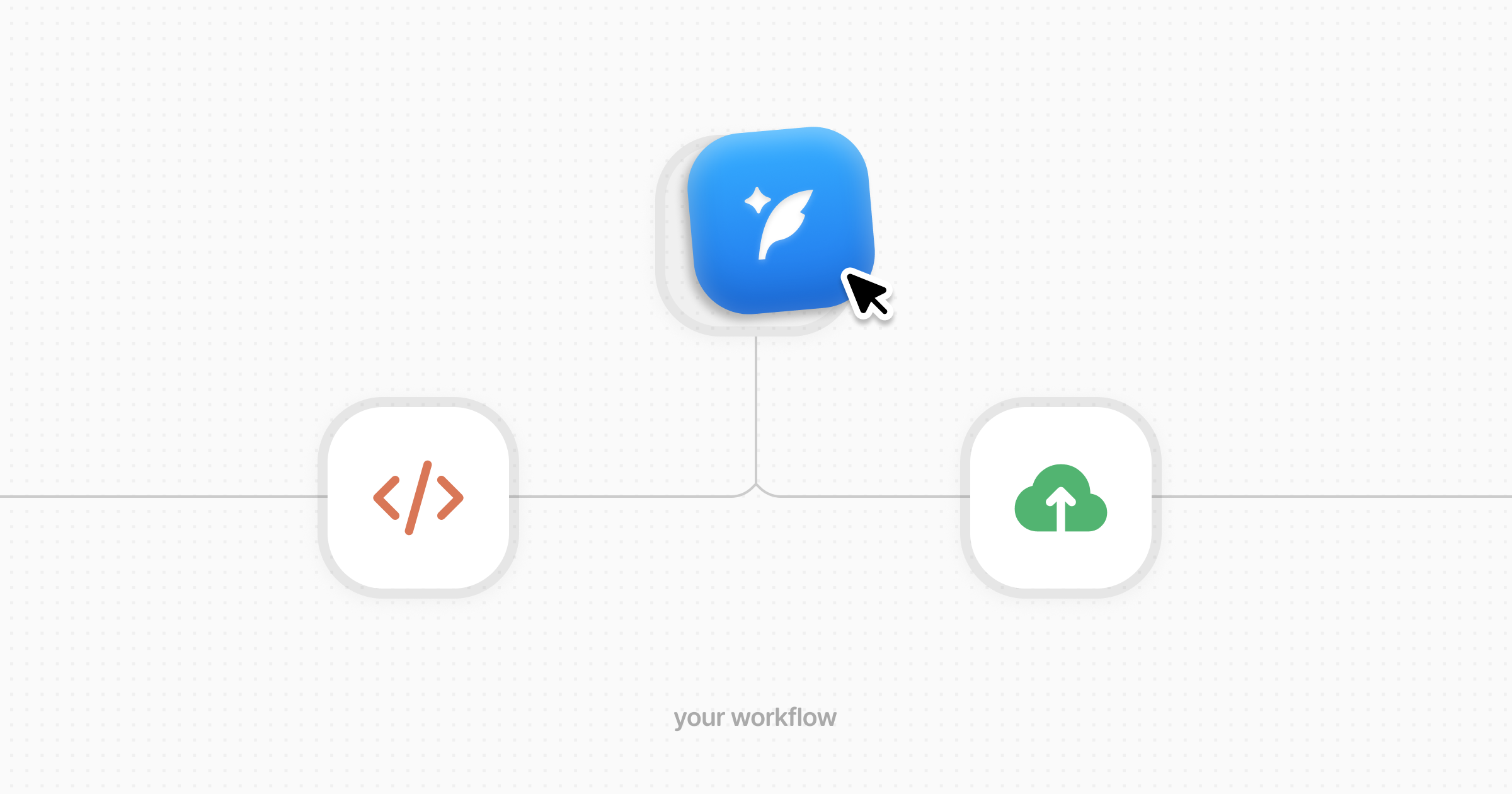
Say you shipped a feature & want a LinkedIn post at 3pm tomorrow.
1. Your script authenticates with a personal access token (created once in Settings → CLI).
2. It asks the API for your connected accounts & picks the LinkedIn id.
3. It sends one schedule request: the copy, that account id, & the time.
4. DunSocial queues it. You still see it in the app. When it publishes, an optional webhook can hit your own URL.
That is the whole loop. No scraping the dashboard. No reimplementing platforms.
## Auth in plain terms
Two kinds of tokens:
- **Session:** you signed in. Fine for a human-facing app. Can use AI routes.
- **PAT:** a long-lived key for CI & scripts. Bound to one workspace. You choose scopes like “schedule posts” & “upload media.” It cannot manage billing or mint other tokens.
Most calls also send which workspace you mean. One token, one workspace, clear permissions.
## What you can do
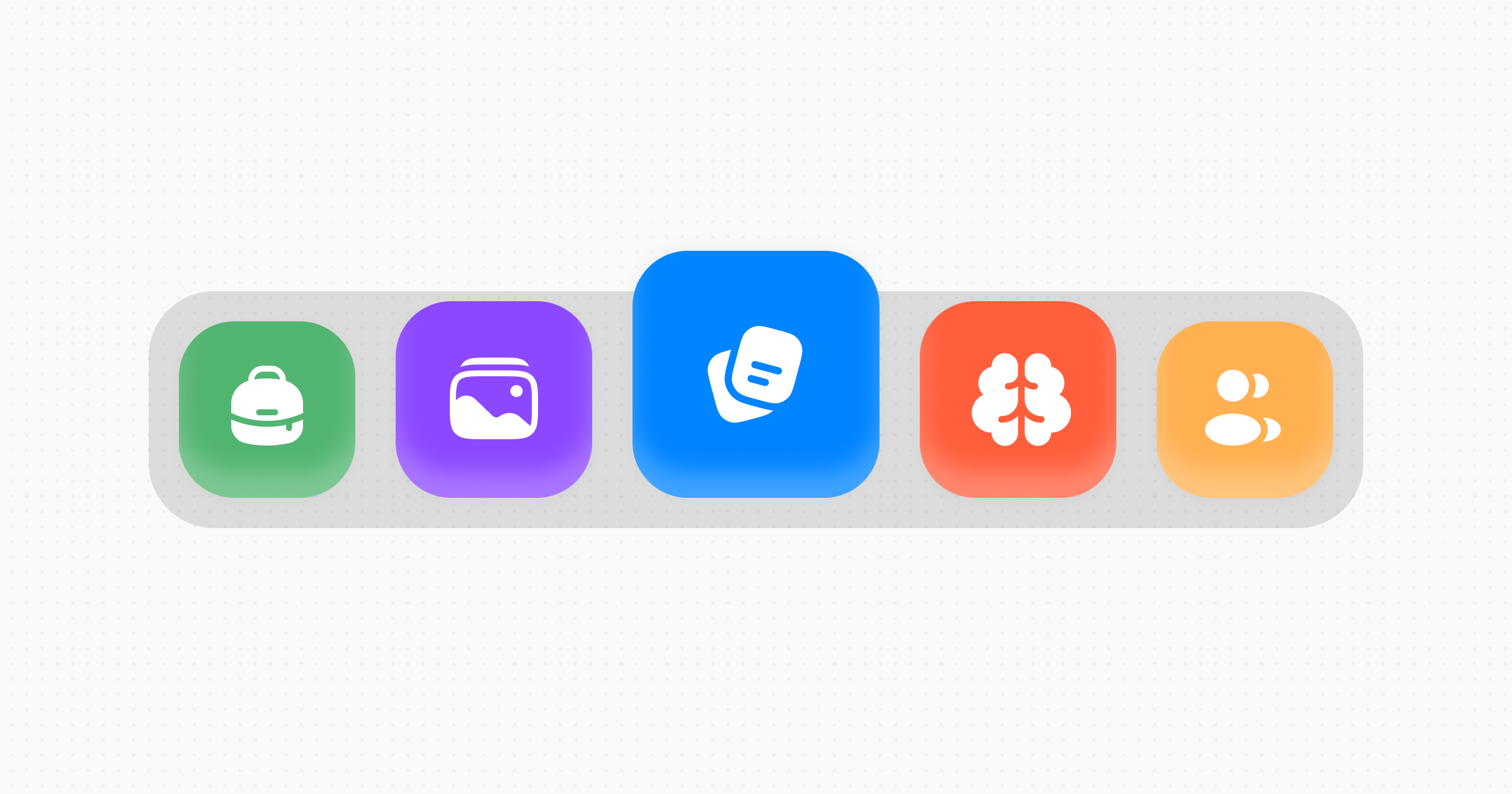
**Posts.** Schedule for later or publish now. Reschedule or cancel. X threads as one chain. List what is already in the queue.
**Media.** Ask for an upload URL, put the file there, then attach it to a post.
**Memory.** Save brand facts & search them later: the same memory the composer uses, so a script can store “we never say disrupt” & drafts still pick it up.
**Accounts.** See what is connected (X, LinkedIn, Instagram, & the rest) without ever seeing OAuth secrets.
**Webhooks.** Get told when a post published, failed, or an account needs reconnecting, signed so you can verify it was really DunSocial.
## A tiny glimpse
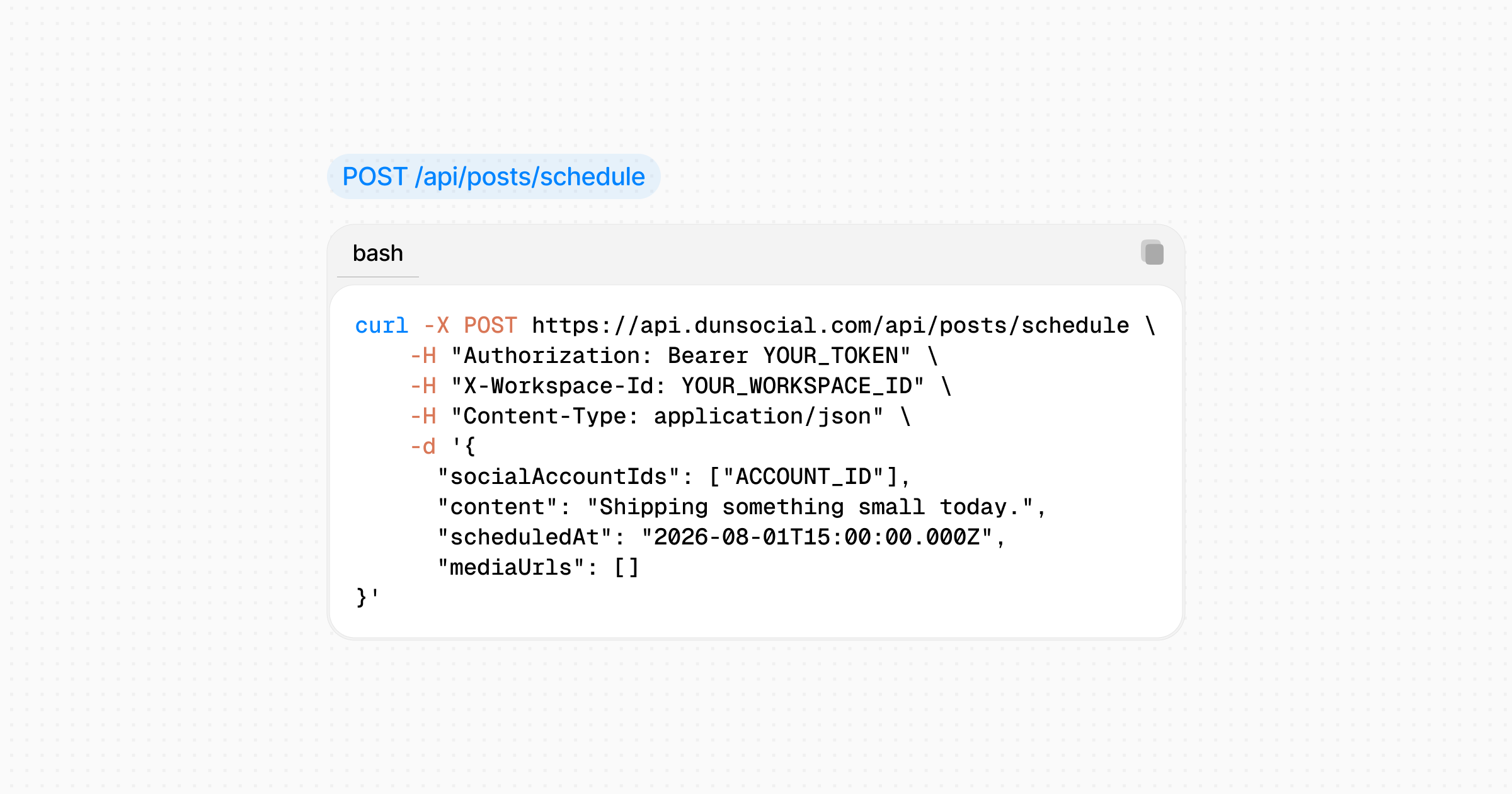
A schedule call looks like this shape (not a full recipe; [the docs](https://www.dunsocial.com/docs/api/posts/schedule-and-publish) have that):
You get back a created post. From there it behaves like anything scheduled in the UI.
## When this is the right tool
Use the API if you are wiring DunSocial into another product, a custom backend, or a system that must react to publish events. If you only wanted three shell commands, the CLI is faster. If an assistant should do it in chat, use MCP.
Start here: [API overview](https://www.dunsocial.com/docs/api) · [Authentication](https://www.dunsocial.com/docs/api/getting-started/authentication) · [Webhooks](https://www.dunsocial.com/docs/api/webhooks).
---
## About this document
This is the Markdown representation of https://www.dunsocial.com/blog/schedule-posts-with-the-dunsocial-api. The HTML version of the same page is at the same URL. You can also request Markdown from any page by sending `Accept: text/markdown`.
Machine-readable summary of the whole site: https://www.dunsocial.com/llms.txt
## Company
- Product: DunSocial, https://www.dunsocial.com
- Legal entity: THISUX PRIVATE LIMITED, Chennai, Tamil Nadu, India
- Support: support@dunsocial.com
- Open the app: https://app.dunsocial.com/login